

UIS 7870 Universal Car Multimedia Player Android 13 AI Voice GPS Navigation Carplay Auto Stereo Radio Head Unit MP5 Player
9inch 6GB 128GB 2k / China Mainland / Eight Core
$322.58
Skip to product information


UIS 7870 Universal Car Multimedia Player Android 13 AI Voice GPS Navigation Carplay Auto Stereo Radio Head Unit MP5 Player
$322.58
SPECIFICATIONS
Brand Name: VATAV
Built-in CD player: no
Built-in DVD Player: no
Built-in Screen: Yes
Certification: CE,FCC,GMP,RoHS,UL,weee
Chipset: UIS7870
Digital Media Format: Mp3,MP4,WMA,JPEG
Din: One Din
Display Size: 9",10",9.5,10.5,12.95
For Vehicle Brands/Model: Universal
High-concerned chemical: none
Is touch screen: Yes
Item Size: 12.95
Item Weight: 3
Max External Memory: 256GB
OSD Language: Chinese (Simplified),Chinese (Traditional),albanian,Arabic,Azeri,Irish,ESTONIAN,Belarusian,Bulgarian,Icelandic,Polish,PERSIAN,Boolean text (Dutch South Africa),Danish,German,Russian,French,Filipino,Finnish,Georgian,Haitian Creole,Korean,Dutch,Galicia,Catalan,czech,Croatian,Latin,Latvian,Lithuanian,Romanian,Maltese,Malay,Macedonian,Norwegian,Portuguese,Japanese,Swedish,Serbian,Slovak,Slovenian,Swahili,THAI,Turkish,Welsh,Ukrainian,Hebrew,Greek,Spain's Basque,Spanish,hungarian,Armenian,Italian,Yiddish,hindi,Urdu India,indonesia,English,Vietnamese
Operating System: Android
Origin: Mainland China
Out Power: 4 * 40W
Output Type: Colored
Processor Speed: 2.7GHZ
Processor Type: 8 CORE
RAM: 12GB
ROM: 256GB
Resolution: 2K
Special Features: Built-In Speaker/Microphone,wifi function,Support steering wheel control,Support 3G Network,Support 4G Network,Support Can-Bus,Built-in GPS,Charger,Mobile Phone,MP3 players,Voice Control,dsp,CarPlay,android auto,Reversing Input,Split Screen
TF/Micro SD Slot: 0
Tuner Type: AM/FM/RDS
Voltage: 12 V
Warranty: 1 YEAS
Top-Performance Al Chip(6nm EUV)High-end Flagship Solution(A7870)
3 Key Evolutionary Milestones
,
Real-Time 3D Driving Dynamics ,
,
Advanced Driving Assistance System
Customized Logo For 7870


Split Screen
Supports the simultaneous display of two applications on the screen,making operation more convenient and efficient
Steering Wheel ControlSupport Original car Control


Built-In DSP Processor
Full HD digital decoder,multi-dimensional surround lossless audio,enjoy the ultimate HD audio-visual

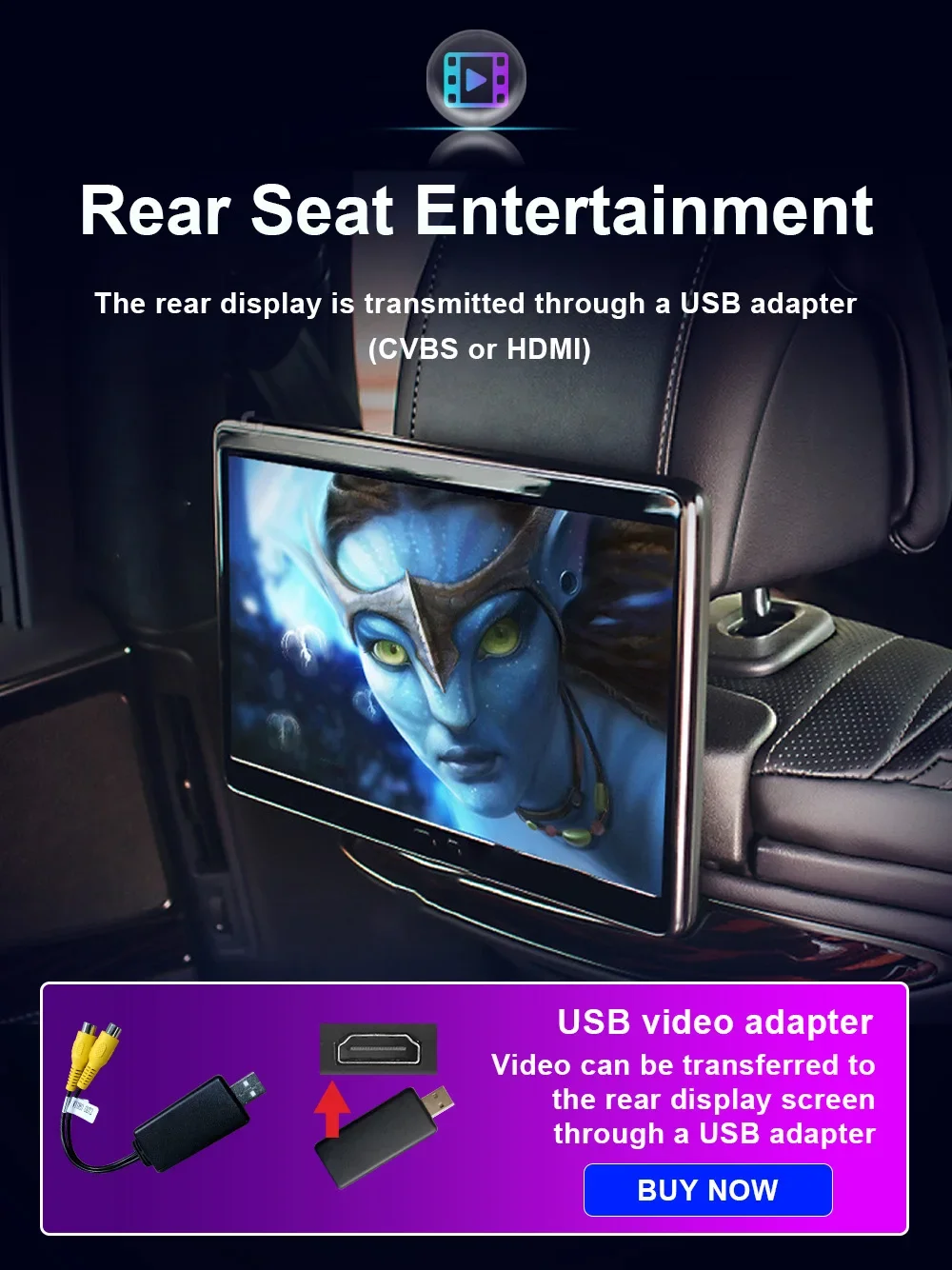
Rear Seat Entertainment
USB TPMS
Tire pressure display Tire temperature display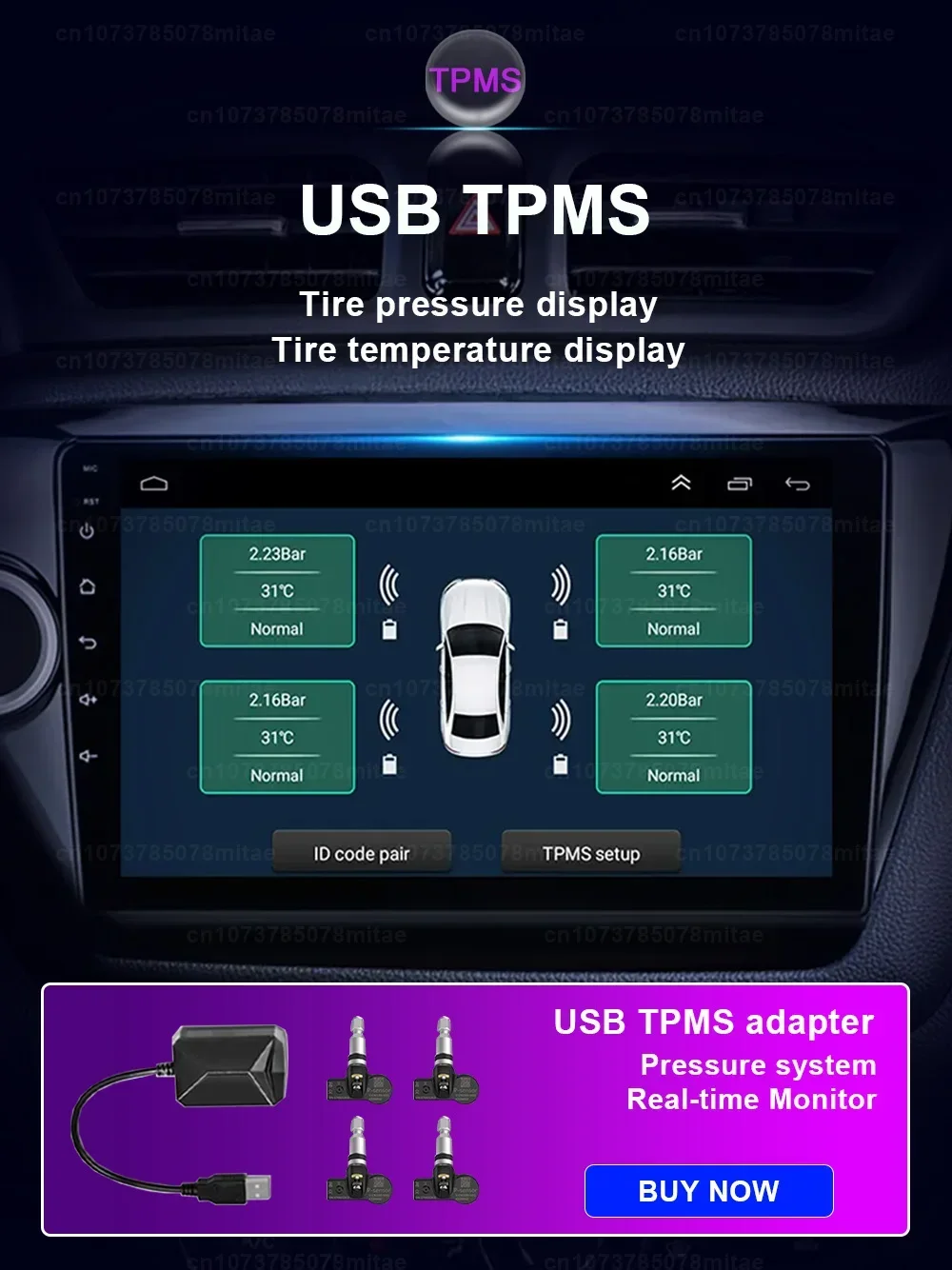
DAB+ Digital Radio
USB 5V USB Dongle Receiver 170-240 Mhz
OBD II

360 panoramic system
This function requires welding modules inside the head unit before the product leaves the factory

After submitting the order, we need to connect the product to a power test, then load a free map, test the performance, and then use a multi-layer anti-collision box and a bubble shock bag to ensure that the product is safely delivered to your hands. Delivery takes 1-3 business days after purchase, please be patient.
About after sales:
If there is a problem after receiving the goods, please give us a chance to serve you. Please do not open the dispute. The dispute is handled by the platform. The platform is not professional and cannot solve your fundamental problems. Please trust us. Please contact us as soon as possible Via AliExpress, we will get back to you within 12 hours due to jet lag.>>Common problem:
1. Why can't I turn on the car radio?
(1.1) Please check the car radio voltage: 12V;
(1.2 )When testing this car radio, you can connect the red wire and the yellow wire to the positive pole of the power supply, and the black wire to the negative pole of the power supply;
(1.3 )Replace the car radio with the same type of insurance test. Note: Please be sure to use our power cord to connect our car radio, you can't plug the original car plug directly into our machine
2. Why does the car radio display "No Signal" when reversing?
Please check that the camera's wiring is properly connected to the car radio. Note: The video interface of the rear camera must be inserted into the "CAMIN" interface of the car radio
3. Why does the camera display "!" when I use USB to watch videos, "Can't watch videos while driving"?
Please turn off the "video warnings" feature in settings and you're good to go
4. Why can't I find FM?
(4.1)The radio antenna is not inserted;
(4.2) Please check whether the radio antenna is plugged in properly. Please insert the antenna several times to make it in good contact;
(4.3)The signal at your location is not good. Please go to a better place to retest;
(4.4)The radio antenna on the car is broken/no effect; please replace the radio antenna and test again.
5. Why can't connect to the Bluetooth of the car radio?
(5.1)Open the phone setting interface, turn on Bluetooth in the Bluetooth function, search for Bluetooth devices, and find the Bluetooth model of the player to be paired; if you need a pairing code, please enter 0000; if not, please try 1234 or 123456;
(5.2)Please try to test this function with other mobile phones. Please check whether the bluetooth receiving antenna is connected correctly and all methods are correct, but still cannot use bluetooth, please unplug the plug on the back of the player and insert it after 3 minutes.
6: Bluetooth signal is weak, WiFi signal is weak.
Please check and reconnect the yellow rear camera input connector, there are 2 short wires, they are the extension wires for the bluetooth antenna and the WiFi antenna to boost the signal
7: Navigation map not working.
Check whether there is a GPS signal, click GPS signal detection, if there is a signal, reinstall a new map or turn on the mobile WiFi hotspot. If there is no GPS signal, leave the garage and test the GPS interface voltage on the road. The voltage must be 3.3V, otherwise the GPS antenna needs to be replaced.
8: The screen displays abnormally.
Click the one-key recovery button, if it can't be solved, remove the screws on the back, check whether the screen cable is loose, and reconnect the screen cable.
9: Abnormal sound.
(9.1)Check whether the original car cable has been modified by other car owners. If so, check the speaker cables and reconnect them;
(9.2) Check if there is an original car or a modified car
10: Radio does not turn on.
(10.1) The condition for the radio to be turned on is that ACC and 12V are connected to the positive pole of the car 12V power supply, and GND is connected to the negative pole of the power supply. The chances of the power cord not matching your car are very slim. You can connect these 3 power cables directly Connect the car power cable without radio,
(10.2) It may be that the connecting wire of the walkie-talkie fell off during transportation. Open the back cover to check and reconnect the connecting wire inside the walkie-talkie; (10.3)If you still cannot boot after checking the above steps, please send a video to us for confirmation. The video needs to show that the power cable is connected normally, and the connection cable is 12V tested with an electricity meter
Reminder: No matter what problem you encounter, please contact our sales staff as soon as possible, we will give you the most professional answer. Please do not open disputes and bad reviews at will (bad reviews will lose the eligibility for reissue and priority service). This will waste your precious time and cause us irreparable losses. We believe that every customer is kind and lovely.