

BQCC 7inch Car Radio Multimedia Video Player Wireless Carplay And Wireless Android Auto Touch Screen Sun Visor 5300
B5300 and CAM
$39.95
Passa alle informazioni sul prodotto


BQCC 7inch Car Radio Multimedia Video Player Wireless Carplay And Wireless Android Auto Touch Screen Sun Visor 5300
$39.95
SPECIFICATIONS
Amplifier IC: CS8571E
Audio format: MP3/AAC/APE/OGG/M4A/RA/WAV
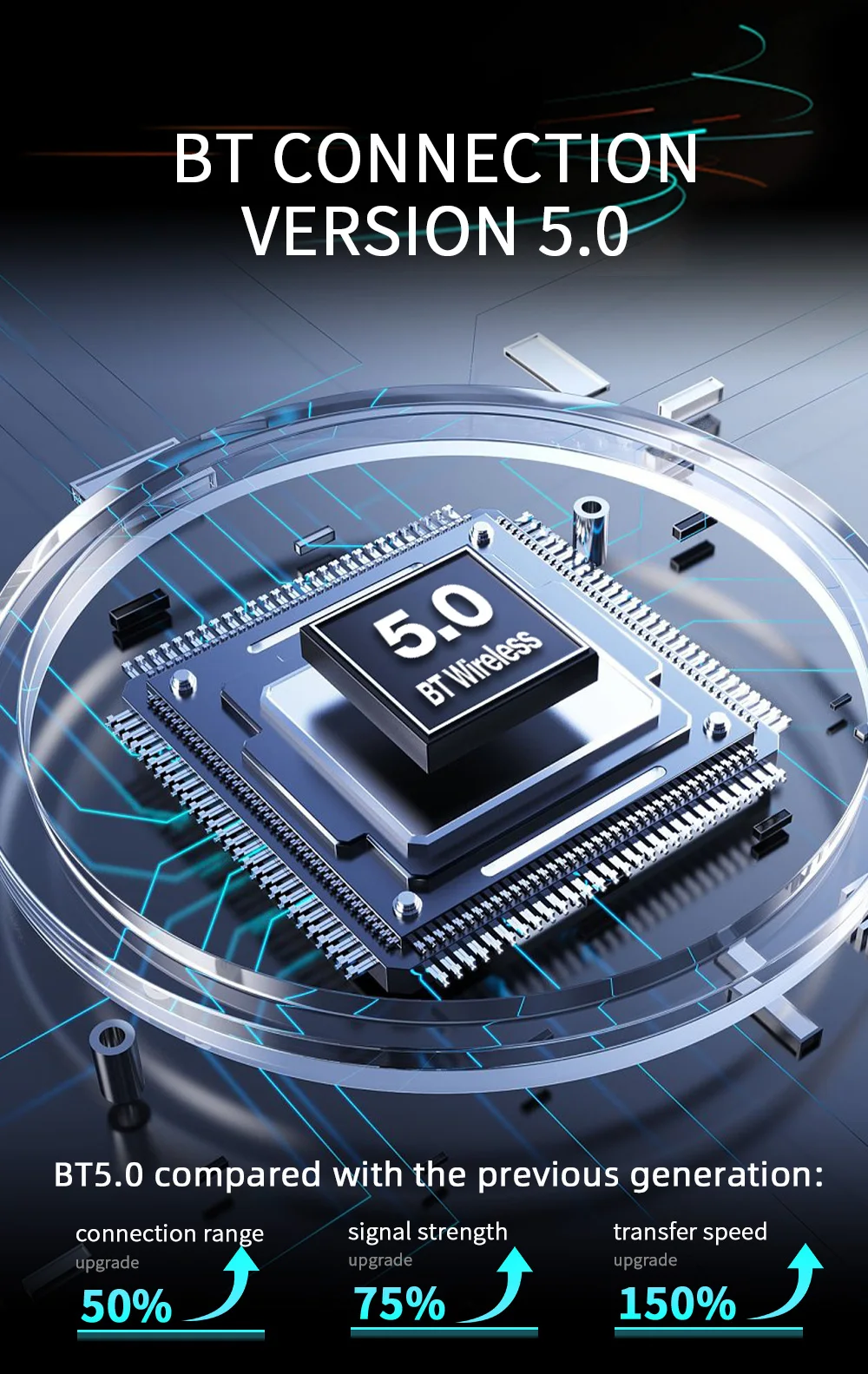
Bluetooth version: Version 5.0 (default name: SWL-BT)
Brand Name: NONE
Built-in CD player: no
Built-in DVD Player: no
Built-in Screen: Yes
Certification: CE,FCC
Choice: yes
Digital Media Format: Mp3,MP4,WMA,JPEG
Din: Double Din
Display Size: 7"
For Vehicle Brands/Model: Universal
High-concerned chemical: none
Interface: USB
Is touch screen: Yes
Item Weight: 0.6
Material: ABS+Meta
Model: B5300
OSD Language: Chinese (Simplified),Chinese (Traditional),Arabic,Polish,German,Russian,French,Korean,czech,Portuguese,Japanese,Turkish,Hebrew,Greek,Spanish,Italian,English
Origin: Mainland China
Out Power: Built-in 1W speaker
Output Type: Colored
Output power: Built-in 1W speaker
Preset Station: 87.5~108.0MHz
Radio transmission IC: AB5301B
Radio transmission frequency: Optional frequency range 87.5~108.0MHz 88.60/89.20/89.50/89.80/91.50/91.80/93/.00/93.60/93.90/94.50/95.10/95.70MHz
Resolution: 1024x600
Running memory: 1Gbit DRAM
Software solution: F133
Special Features: Built-In Speaker/Microphone,Mobile Phone,MP3 players,CarPlay,android auto,Reversing Input
System: Allwinner melis system
Type: Portable car MP5 (sunshade model)
Video format: H263/H264/H265/DIVX HD/AVI/FLV/MKV/MPEG/MP4/WMV9/VC/ASF/TS/QT
Voltage: 12 V
Wifi frequency: 2.4G/5G dual frequency
Working temperature: -10~60℃
Working voltage: 12~36V
• Universal Compatibility :This car radio multimedia video player is compatible with both wireless Carplay and wireless Android Auto, making it easy to use for any driver.
• Large Touch Screen :The 7-inch touch screen provides a clear and easy-to-read display, making it perfect for navigating through your favorite tunes or apps.
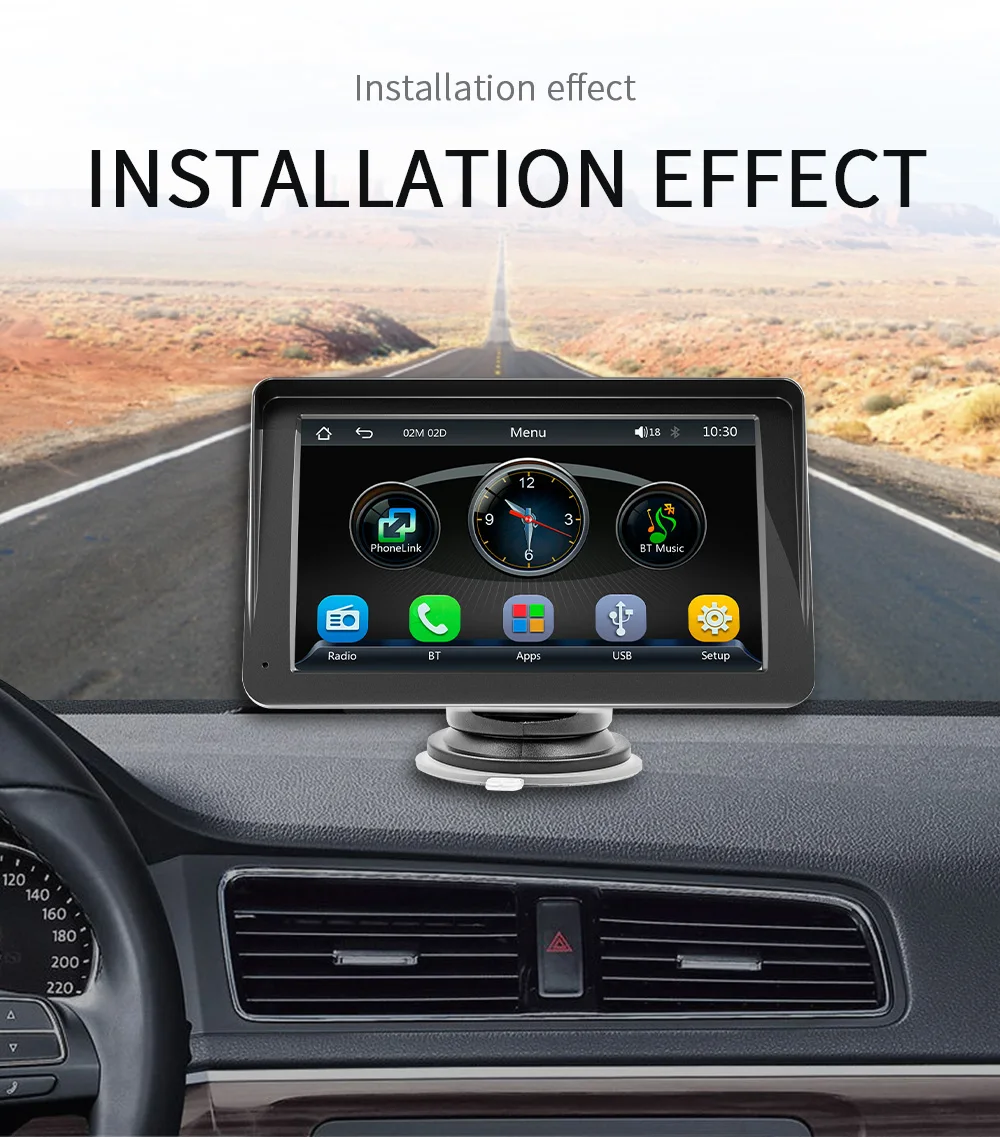
• Easy Installation :With its in-dash placement and easy-to-follow instructions, this car monitor can be installed quickly and easily without any hassle.
• High Resolution :The 1024x600 resolution ensures that your videos and games look sharp and clear, providing a high-quality visual experience.
Compared to traditional 1DIN, and 2DIN car audio, the B5300 portable car stereo is easier and quicker to install. It empowers home mechanics with its professional-level features, but the entry-level difficulty is lower. You do not need to engage the services of an electronics technician to assist with installation, saving money, effort, and worry!
Basic parameters
Model: B5300
Type Portable: Car MP5
System: Allwinner melis system
Software Solutions:F133
Radio transmitter frequency: FM 87.5 ~ 108.0MHz
Radio transmitter IC:AB5301B
Power amplifier IC:CS8571E
Output power built-in:1W speaker
Working voltage:12~24V
Working temperature:-10~60 ℃
Bluetooth Version:Version 5.0 (default name: CarPlay)
wifi frequency:2.4G/5G dual frequency(It is only used to connect car play and Android auto)
GPS signal:not supported
Performance parameters
CPU:F133
Running memory:1Gbit DRAM
storage memory:no
Display resolution:1024x600
Screen size:7 inches HD
Size parameters
Installation size:65x65MM
Shell size:178x98MM
Mainframe depth:17MM
Weight parameter
Single weight:0.7KG
Function parameter
screen rotation:supported
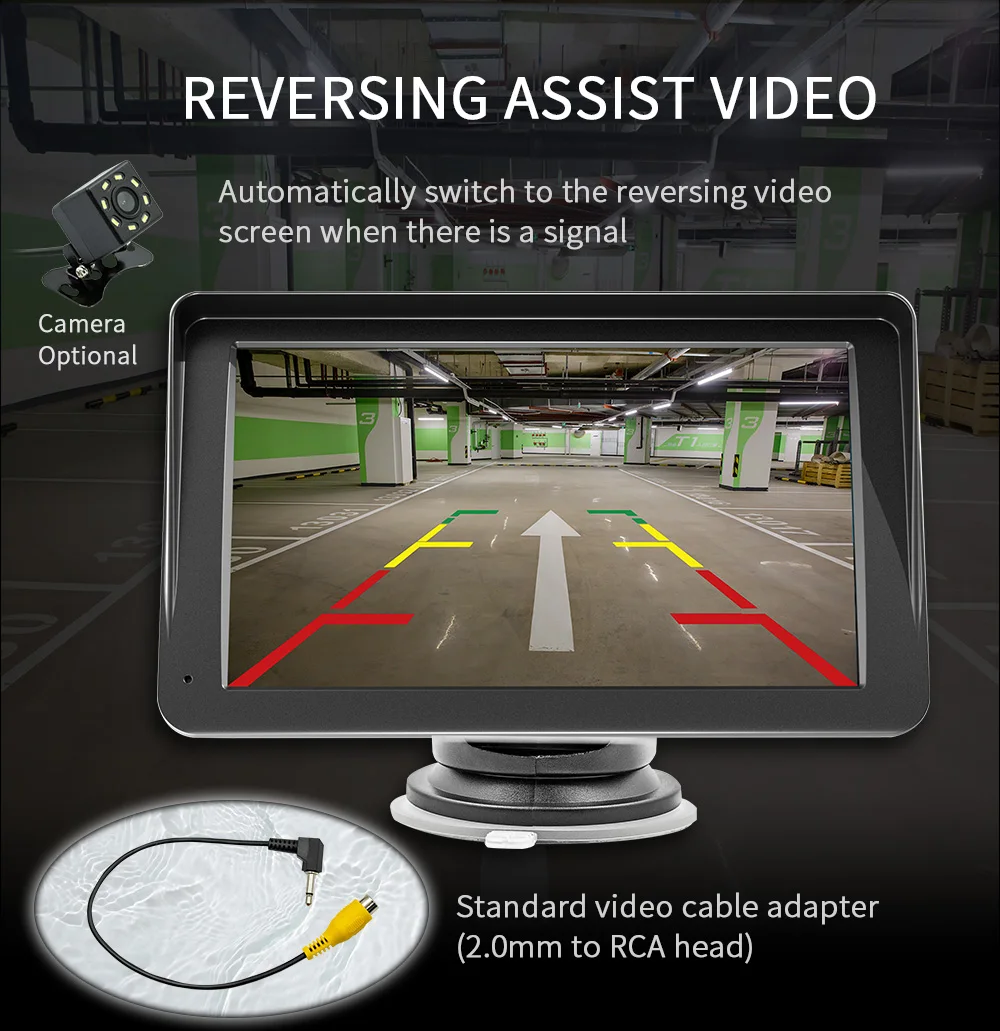
Reversing camera:support
Play video :support
Steering wheel controls: notsupported
Video output: not supported
Offline maps: not supported
Driving recorder: does not support
Built-in speaker: support
GPS navigation:not supported
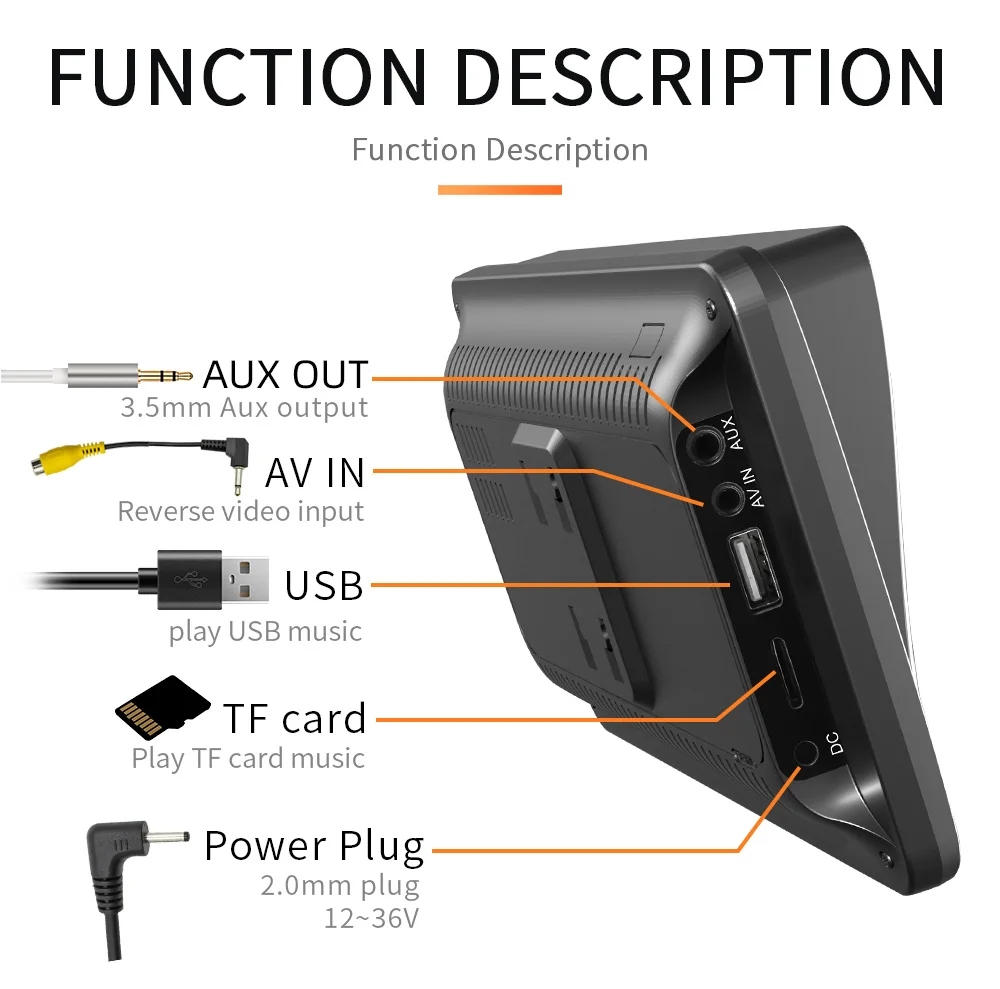
USB interface: USB 2.0
TF card:support
Reset button:not supported
RCA port parameters
Audio output: supported
Video output:not supported
Audio input:not supported
Video input: not supported
Reversing video input: support
Format parameter
Audio format:MP3/AAC/APE/OGG/M4A/RA/WAV
Video format:H263/h264/h265/DivX hd/avi/flv/mkv/mpeg4/MP4/WMV9/vc/asf/ts/qt
Image format: JPEG/PNG/BMP/GIF/TIFF
Language parameter
English, Chinese, Spanish, Portuguese, Russian, German, French, Polish, Turkish, Arabic, Hebrew, Italian, Czech, Japanese
Other parameters
Factory set password 113266








Q&AQ: How do I connect carplay and Android auto?
A: Search for the Bluetooth device "carplay" on your mobile phone. When you connect it for the first time, the mobile phone will pop up a prompt, please click to use or trust the device.
Q: How do I connect a mirror link?
A: Before the phone is connected, click on phone Link function of the device, change the automatic connection option under the corresponding phone type to mirror, then connect the phone data cable, and click the corresponding authorization on the phone end to connect.
Q: How do you get the sound through the car horn?
A: There are three points about the sound problem:
1. Our device comes with a small speaker that can make sound, you can turn it off by setting;
2. Transmit the sound to the original car radio through the FM transmission function of the device (for example, select 86.3MHZ on the device, and then play the U disk music, then search 86.3MHZ on the car radio);
3. Use the 3.5mmAUX cable to transmit the audio to the original carplayer through the AUX OUT interface of the machine (some models do not support this function, please see the interface description of the product for details).
Q: The Bluetooth connection fails, or some functions are abnormal after connection?
A: Please use your mobile phone to search for Bluetooth of the machine, and the name is "carplay"; Delete the devices that have been paired with but are not connected to the phone. Some Bluetooth devices that have been paired with each other may cause the phone's Bluetooth cannot be paired with other devices or its function is abnormal.
Q: Will Bluetooth connection not automatically connect to car paly or Android auto?
A:Some connected Bluetooth devices will cause our device to fail to jump automatically. Please clear all paired Bluetooth devices on the mobile phone, restart the Bluetooth of the mobile phone and the vehicle device, and re-establish the Bluetooth connection.
Q: Playing music and talking on the phone too quietly?
A: Hold down the top of the screen with your finger and slide down. You can adjust the playing volume after pulling down the status bar; When you return to the home screen during a call, you can adjust the call volume in the status bar.
Q: Can't remember time and date?
A: Because of the high temperature in the car in summer, in order to ensure safety, the machine does not have a battery, so it cannot remember the time and date. After connecting the mobile phone, it will automatically update the time and date.
Q: Can't read or play SD, USB music and videos?
A:Please use 8G or 16G storage card or USB flash drive. Some large-capacity storage devices may not support it. Format the storage device to ensure that the storage device's file system is the default value; Partially encoded video or music may not be recognized by the machine, please use common format media files.